 NfoGlow
NfoGlow
NFO art that glows.
Pixel-exact NFO and ANSI art on Linux and Windows, with glow, animations, effects and chiptunes.
The art, the way the scene meant it.
Most text viewers draw the block characters █ ▀ ▄ ░ ▒ ▓ with a font, which leaves gaps and seams in the art.
NfoGlow paints them as exact pixels, optionally with a soft glow, and keeps the text crisp. CP437 works out of the box, and NFOs that an editor broke into UTF-8 are repaired.
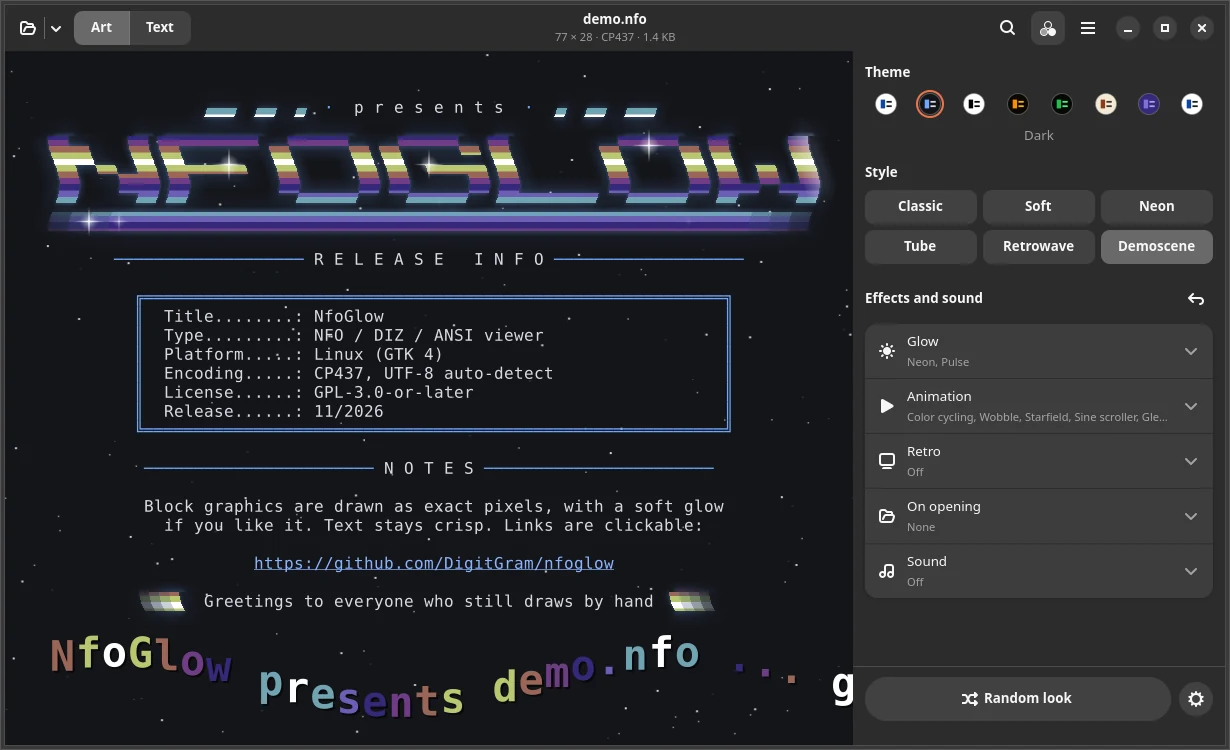
A viewer with a lot of show in it.
Switch it all off for a clean reader, or turn it up until the monitor hums.
✦Glow
Soft edges or a neon glow behind crisp blocks, a colour ramp through every block, a phosphor glow around the text.
▤Old monitors
Scanlines, shadow mask or aperture grille, or a live CRT with a rolling bar, flicker, noise and round corners. VGA font included.
◈Six styles
Classic, Soft, Neon, CRT, Retrowave and Demoscene in one click. Every effect can still be fine-tuned.
★Demoscene mode
Colour cycling in C64 colours, a wobbling logo, warp stars, a sine scroller, sparkles and a glow that pulses to the beat.
▶Eight opening effects
Modem build-up, C64 tape loader, CRT power-on, DOS boot, glitch, dither fade-in, neon flicker or a code rain.
♫Music
Nine built-in chiptunes, or your own folder of MOD, XM, S3M, IT, OGG, MP3, FLAC and WAV. Off by default.
⚄Random look
Roll a new combination, keep the one you like and undo any change with Ctrl+Z. Share a look as one line of text.
▣Real files
CP437, UTF-8, ANSI in 16, 256 and true colour, SAUCE. Open an NFO straight from a ZIP or a ReScene .srr.
⇩Export
Save as PNG or PDF, or copy the whole NFO to the clipboard. Selecting and copying can skip the block graphics.
Eight themes, endless looks.
From C64 blue to black and white. Every theme brings its own colour ramp.
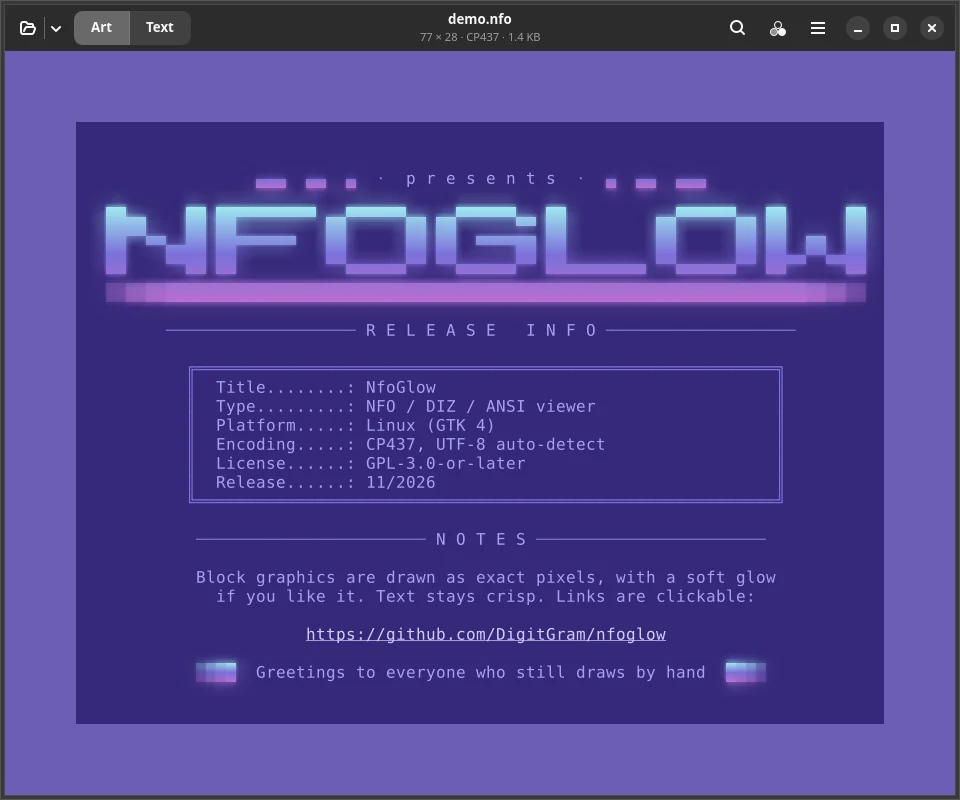
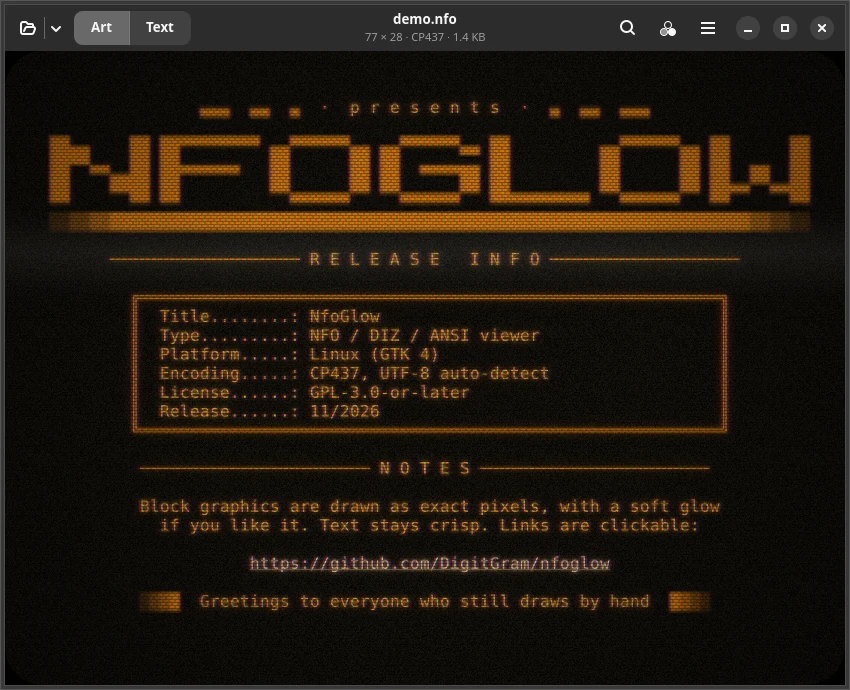
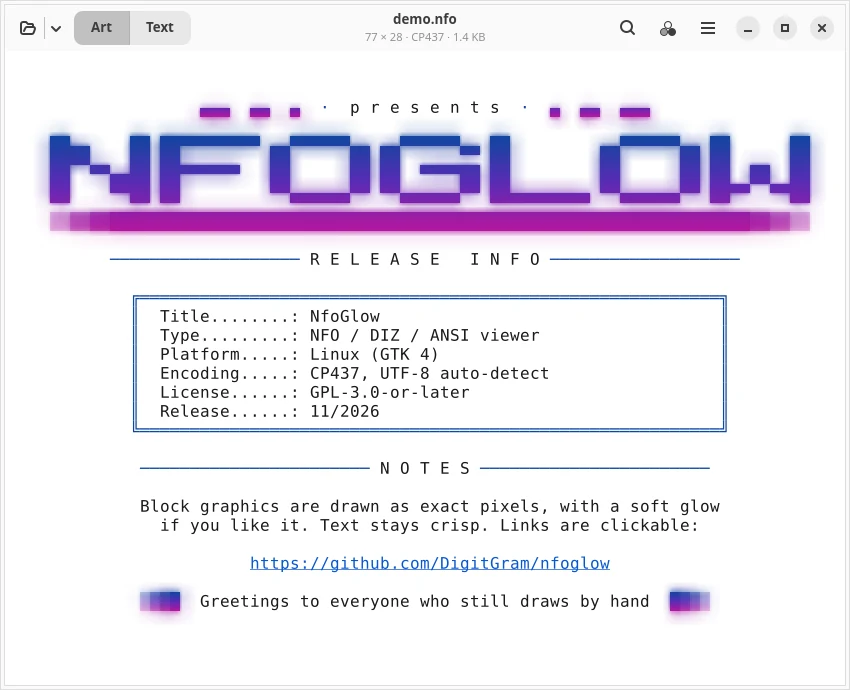
The three screenshots show NfoGlow for Linux (GTK 4 and libadwaita). On Windows it looks like this:
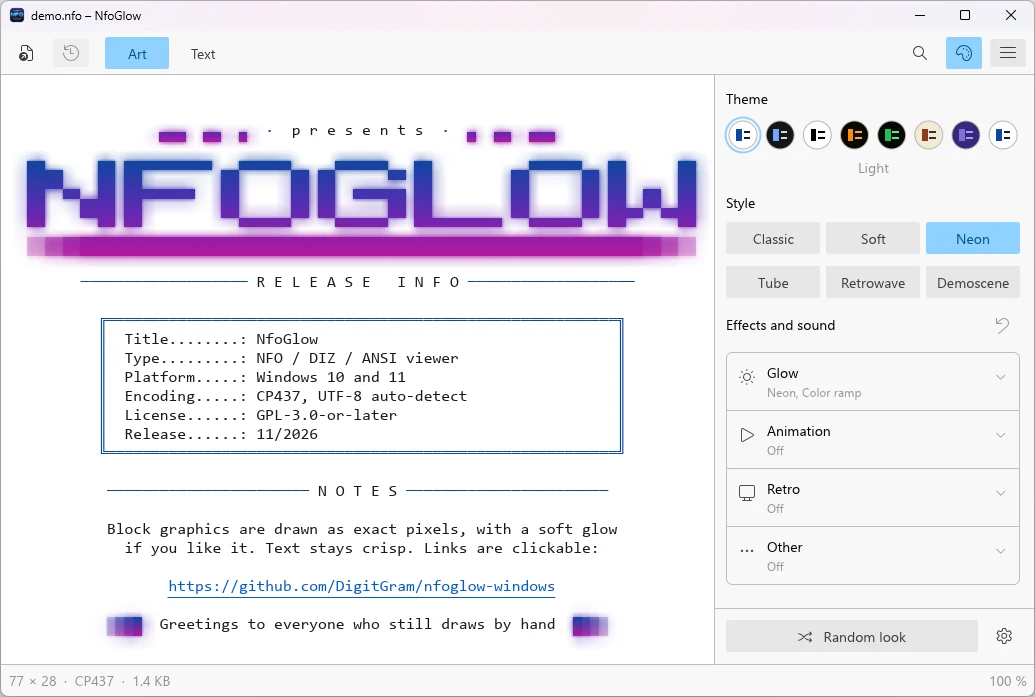
One app, two platforms.
Same effects, same look codes, and the same ten languages on both.
Linux
Python 3 with GTK 4 and libadwaita 1.5 or newer (GNOME 46+). Installs for the current user, no root.
- Opens
.nfo,.dizand.ansfiles. Choose it once under Open With if another program is set. - A Flatpak recipe is included in the repository.
- No network connections of its own.
Windows
For Windows 10 and 11, 64-bit. The official port of NfoGlow, written in Rust. The setup installs for you only, without administrator rights, or for all users.
- Start menu entry and an optional desktop shortcut.
- Optionally opens
.nfo.diz.ans.asc.srrfiles with NfoGlow. - Settings and look codes (
nfoglow:1:…) are the same as on Linux. - Not code-signed yet, so SmartScreen may ask once: More info, then Run anyway. The checksums of every release are signed.
Both are free software under the GPL-3.0-or-later. Releases are signed: the Linux installer, and the checksums of the Windows setup. The README of each has the fingerprint and the steps to check it.